cruush v2.8
Written by Julien Lenaz, lead developer of cruush.
Voice and video calls
You can now call people on cruush. Open any DM, group chat, Coven or Party chat, tap the settings button at the top and pick Voice call or Video call. Everyone in the chat gets a ping and can jump in. Calls are end-to-end encrypted: the video and sound are locked on your phone and only unlocked on the phones of the people in the call. The company that carries the call cannot see or hear it. Calls are never recorded, and each call's key is deleted when the call ends.
With cruush+ your calls are unlimited. Without it you get 60 free minutes every month, spent by whoever starts the call.
Glow
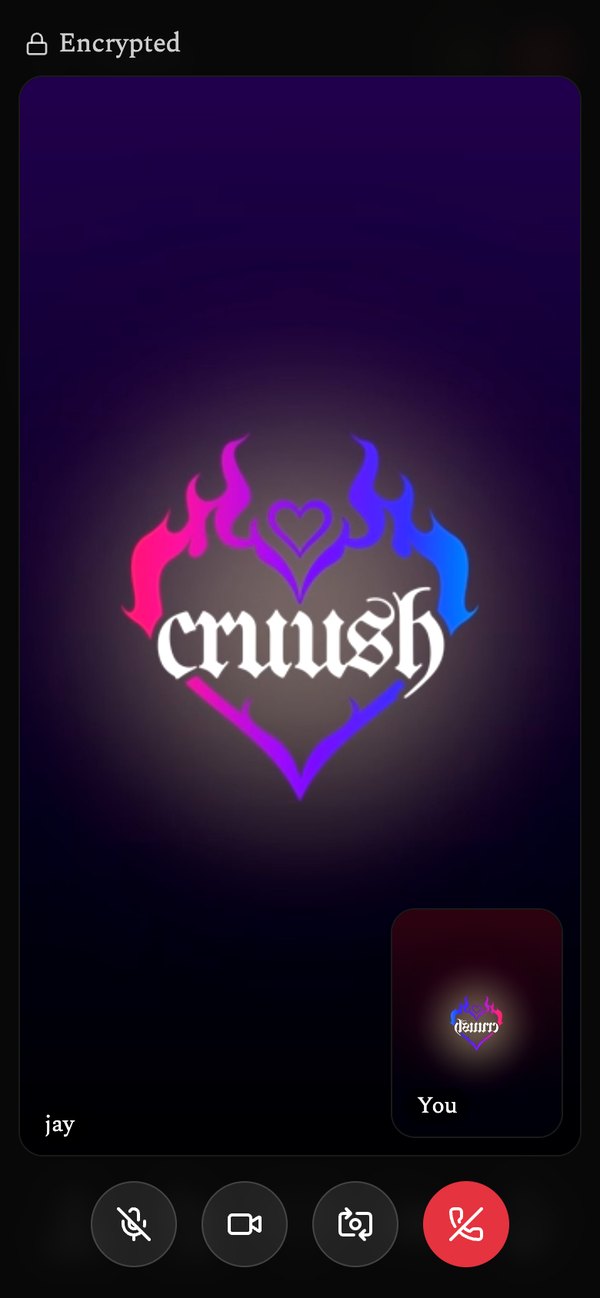
Turn on your Glow and your camera is open. Your heart on the map turns pale yellow and glows, and people nearby can see it and join. You decide who it is open to, one person at a time or a group, whether guests can turn on their own camera or voice, how far away it shows, and how long it lasts. Set a timer or schedule it for later. Want to vet people first? Turn on approvals and let guests in one by one. Want the room to yourselves? Close it and it stays private to whoever is already in.
Glow with friends and you show up as one glowing cluster. When your Glow goes live it posts to the Confessional in its own glow. Find every Glow around you from the new glowing button next to Pulse, filtered by your Seeking settings, and only seen by the people your Visibility controls allow. Turn on Glowing now in Seeking, or tap the glowing button in the Carousel, to see only open cameras. Hosts choose whether their Glow is dealt in the Carousel. Prefer typing? A message button on the call opens a chat: a one-person Glow opens your DM, and a group Glow gets its own chat that closes when the Glow ends. Glow is open to everyone.
Hosting a Party in steps
The Party form is now a few short steps instead of one long page, and the Where step works like the Mile High Club: drop a pin, type an address or use your GPS. Flyers show up on the form as soon as you add them.
Account access
If something on your account is restricted, you get a pop-up that says so, and Settings has a new Account access page that lists every feature, whether it is available to you, and until when if it is not.
cruush for Android 1.0.2
Calls work in the Android app, with camera and microphone. The gap under the bottom bar and the band above the top banner are gone, and haptics work. Update from the sign-in page.
Help keep the lights on
cruush is 100% self funded. cruush+ subscribers and Patreon members keep the lights on. Get cruush+ or join on Patreon.